


















About Apple Shooter
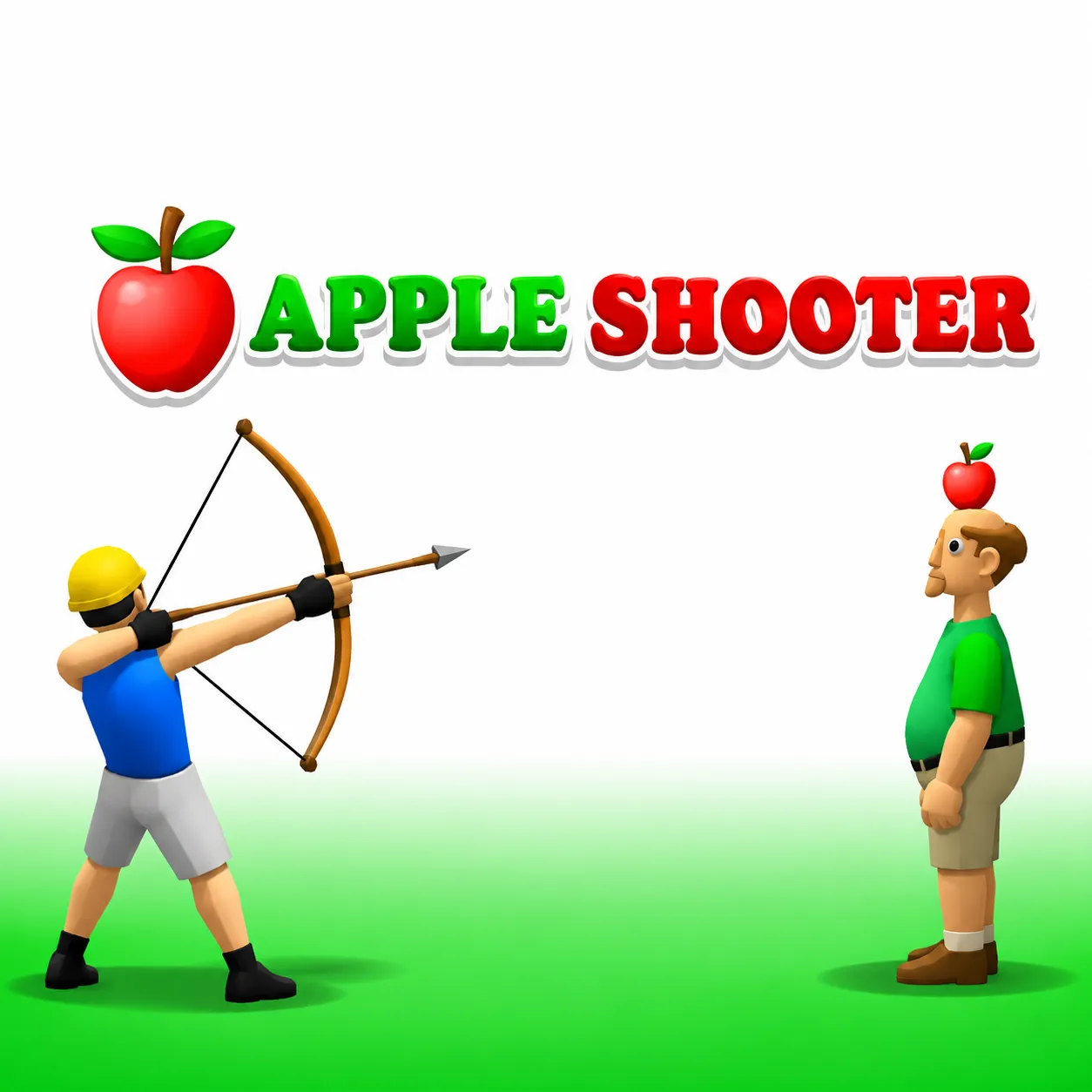
Shoot an apple balanced on a friend's head without injuring him. Increasing distance makes arrow drop and power choice more important each round. Each success raises the difficulty by changing range, making careful calibration more valuable than aggressive firing.
How to Play Apple Shooter
1. Aim a little above the apple before releasing the bow.
2. Draw / release with Hold and release left-click; aim with Mouse movement.
3. Every successful apple hit increases distance, so gravity changes the next shot even with identical power.
4. Hit the apple precisely and move on to the next longer-range archery test.
Controls
| Action | Desktop | Mobile |
|---|---|---|
| Draw / release | Hold and release left-click | — |
| Aim | Mouse movement | — |
Apple Shooter Tips & Tricks
- Adjust elevation after each successful longer-distance shot.
- A low or badly powered arrow can hit the person and end the game.
- When the target moves farther back, increase the arc slightly instead of immediately adding maximum power.
Frequently Asked Questions
What's the goal in Apple Shooter?
You aim to shoot an apple balanced on a friend's head without injuring him.
What happens if the arrow hits the person?
That is a failed shot and ends the attempt.
What's a sensible first move in Apple Shooter?
Aim a little above the apple before releasing the bow.
Which technique helps most after the basics?
Adjust elevation after each successful longer-distance shot.
What mistake can end a good run?
A low or badly powered arrow can hit the person and end the game.
Which keys handle the main actions?
Desktop: draw / release: Hold and release left-click; aim: Mouse movement.
What should I consider before the next attack?
When the target moves farther back, increase the arc slightly instead of immediately adding maximum power.