











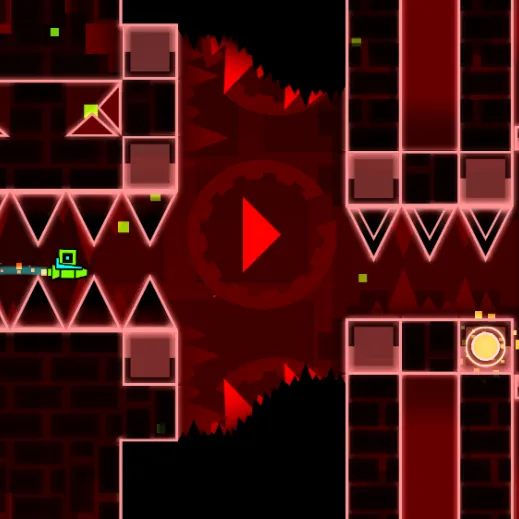

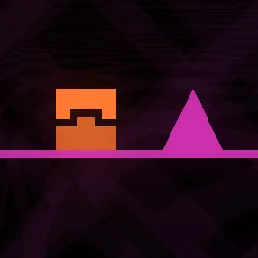




About Geometry Vibes
Guide a geometric icon through music-driven obstacles in a gentler rhythm challenge. Controlled jump timing keeps the character away from obstacles. The challenge is keeping a steady input rhythm while checking the placement of real obstacles.
How to Play Geometry Vibes
1. Start with small direction changes to discover the lane's width.
2. Steer wave with Left-click or Space.
3. The game emphasizes gentle beats and short jump timing over highly aggressive visuals.
4. Time the icon's movements to keep it clear of obstacles through the stage.
Controls
| Action | Desktop | Mobile |
|---|---|---|
| Steer wave | Left-click or Space | — |
Geometry Vibes Tips & Tricks
- Use brief taps rather than long holds to stay centered in thin corridors.
- Holding one direction too long puts the line into a wall.
- Use short press-release cycles to adjust height without bouncing into the next obstacle.
Frequently Asked Questions
What counts as progress in Geometry Vibes?
You aim to guide a geometric icon through music-driven obstacles in a gentler rhythm challenge.
How should I time the next jump?
Use the track's repeating cues but keep checking the next obstacle's actual position.
What opening strategy works in Geometry Vibes?
Start with small direction changes to discover the lane's width.
How can I turn a close attempt into a clear?
Use brief taps rather than long holds to stay centered in thin corridors.
Why does this section keep going wrong?
Holding one direction too long puts the line into a wall.
How does the control scheme work?
Desktop: steer wave: Left-click or Space.
What should I try in a difficult passage?
Use short press-release cycles to adjust height without bouncing into the next obstacle.