

















About Geometry Dash Lite
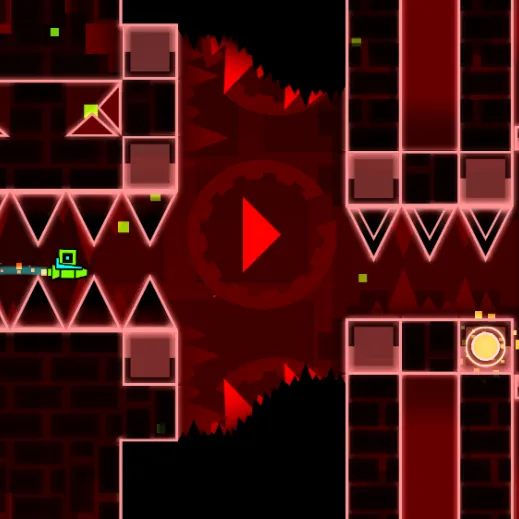
Play a compact selection of official-style Geometry Dash stages without full editor features. One input must handle repeated cube jumps and flying sections. The reduced set of levels makes it easier to focus on core jumping and flying skills without an editor distracting you.
How to Play Geometry Dash Lite
1. Start with the slower early levels to learn landing rhythm.
2. Jump / fly with Left-click or Space or Up Arrow.
3. The Lite selection includes familiar early stages such as Stereo Madness and more demanding late content.
4. Clear each included stage without hitting spikes or solid hazards.
Controls
| Action | Desktop | Mobile |
|---|---|---|
| Jump / fly | Left-click or Space or Up Arrow | — |
Geometry Dash Lite Tips & Tricks
- Hold for repeated jumps only when a sequence really permits it.
- Guessing the next jump without memorizing the pattern ends the run.
- Use repeatable visual landmarks just before a spike sequence to build dependable muscle memory.
Frequently Asked Questions
How do you clear a run in Geometry Dash Lite?
You aim to play a compact selection of official-style Geometry Dash stages without full editor features.
Does Lite include the full level editor?
No. The game includes Lite as a reduced feature selection without the full editing tools.
What is an easy mistake to avoid at the start?
Start with the slower early levels to learn landing rhythm.
How can I improve my next attempt?
Hold for repeated jumps only when a sequence really permits it.
What causes the most avoidable failures?
Guessing the next jump without memorizing the pattern ends the run.
Where can I find the key actions?
Desktop: jump / fly: Left-click or Space or Up Arrow.
What should I try in a difficult passage?
Use repeatable visual landmarks just before a spike sequence to build dependable muscle memory.