


















About Run 3 Space
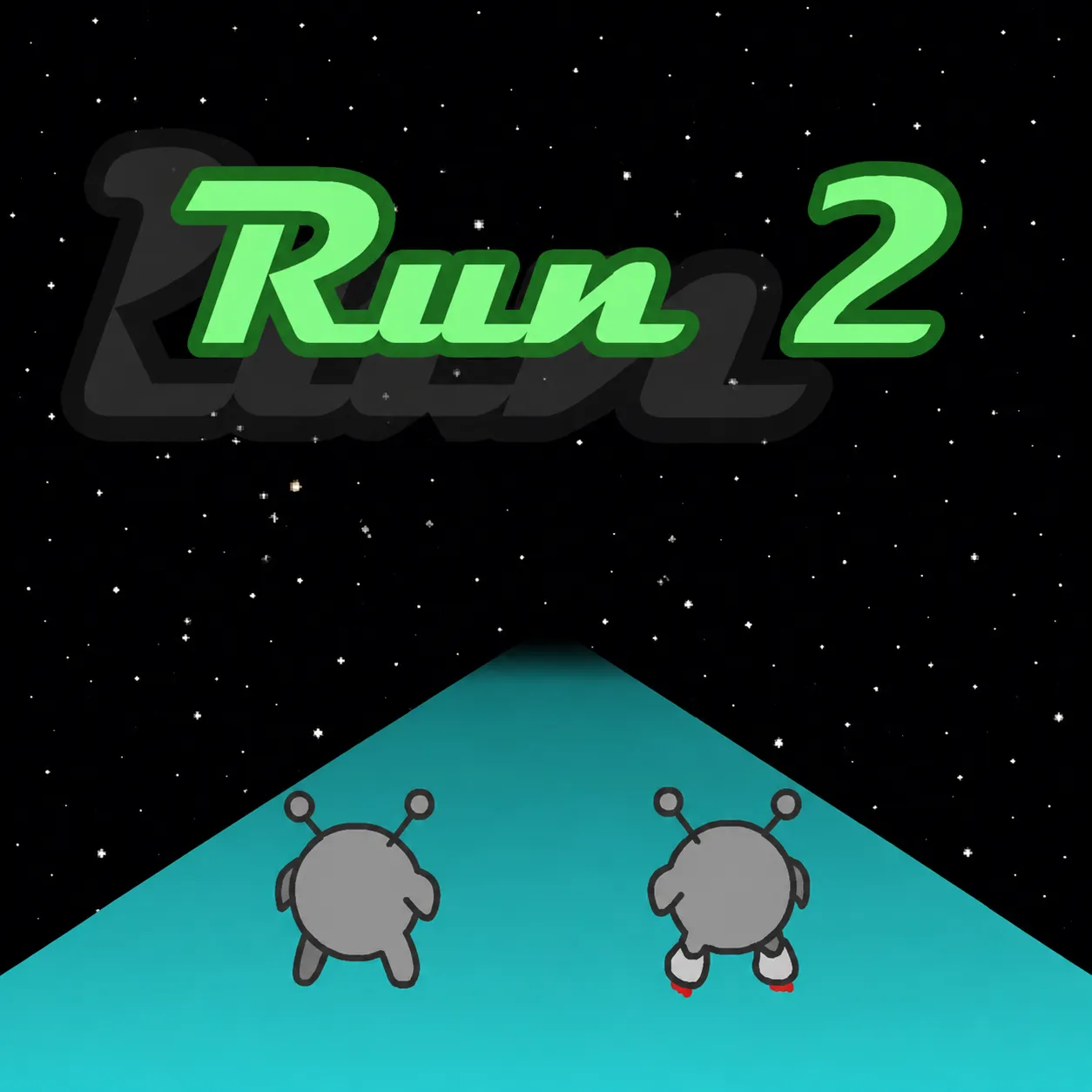
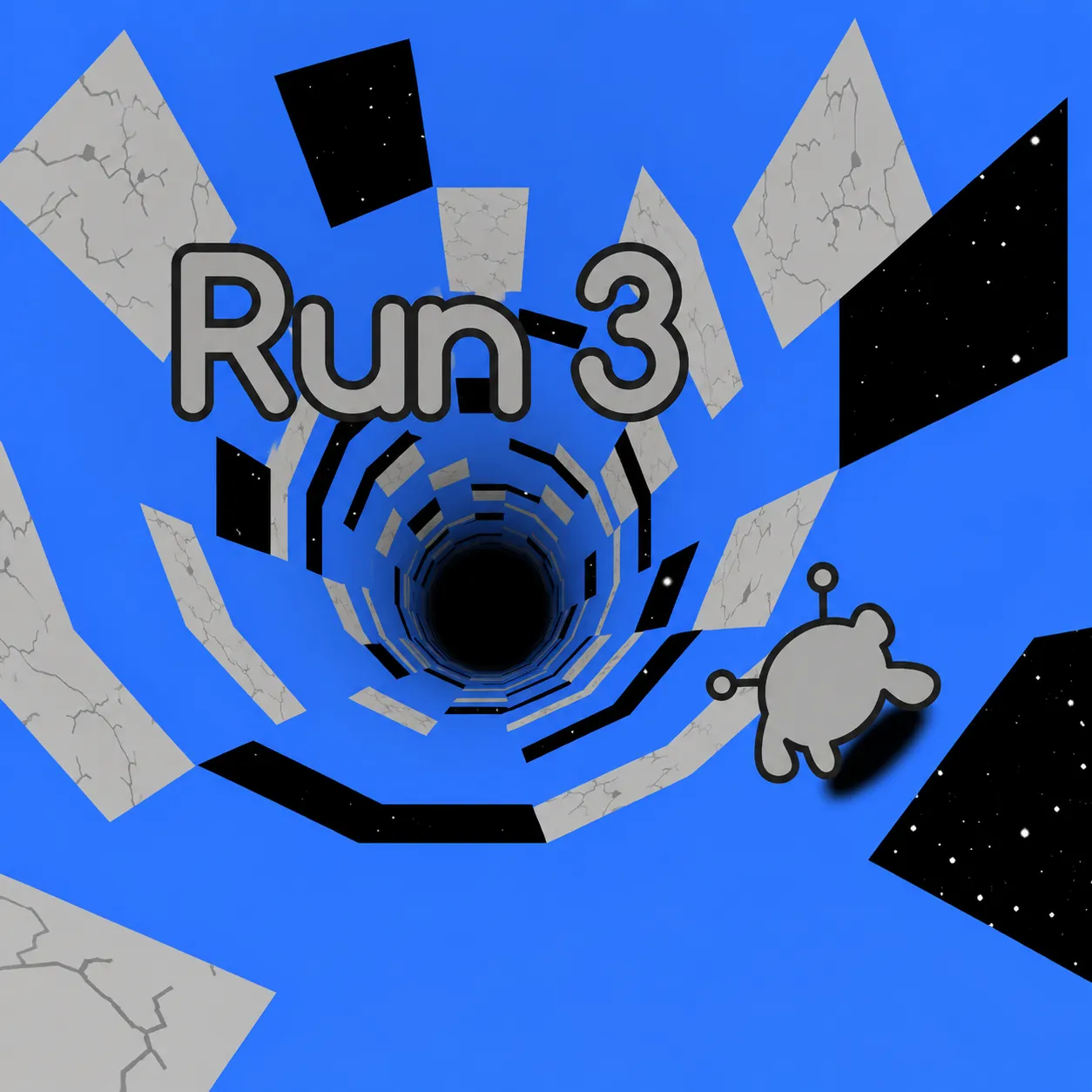
Guide a gray alien through floating space tunnels in Explore or Infinite mode. Running onto a side wall rotates gravity and turns that wall into the floor. The safest-looking floor can become a dead end, so side walls are part of the route, not just scenery.
How to Play Run 3 Space
1. Choose safer tiles before the next gap.
2. Move with Left/Right arrows or A/D; jump with Up Arrow or Space.
3. Explore Mode opens a branching map, while Infinite Mode tests the distance you can survive.
4. Reach the next safe tunnel segment or extend the distance in Infinite Mode without falling into space.
Controls
| Action | Desktop | Mobile |
|---|---|---|
| Move | Left/Right arrows or A/D | — |
| Jump | Up Arrow or Space | — |
| Pause | P | — |
| Restart | R | — |
Run 3 Space Tips & Tricks
- Save longer jumps for wide breaks; try the Bunny for extra height.
- Blindly jumping down the middle leaves unused wall routes.
- Turn onto an intact wall before a broken floor rather than trying to jump every gap.
Frequently Asked Questions
What are you trying to achieve in Run 3 Space?
You aim to guide a gray alien through floating space tunnels in Explore or Infinite mode.
Can you play both levels and an endless run?
Yes. Explore follows individual tunnels, while Infinite focuses on surviving as long as possible.
How should I begin without wasting an attempt?
Choose safer tiles before the next gap.
What's the most useful tactical adjustment in Run 3 Space?
Save longer jumps for wide breaks; try the Bunny for extra height.
What should I stop doing in Run 3 Space?
Blindly jumping down the middle leaves unused wall routes.
What input do I use to get started?
Desktop: move: Left/Right arrows or A/D; jump: Up Arrow or Space; pause: P.
What else helps with a hard jump?
Turn onto an intact wall before a broken floor rather than trying to jump every gap.