












About Papa's Hot Doggeria
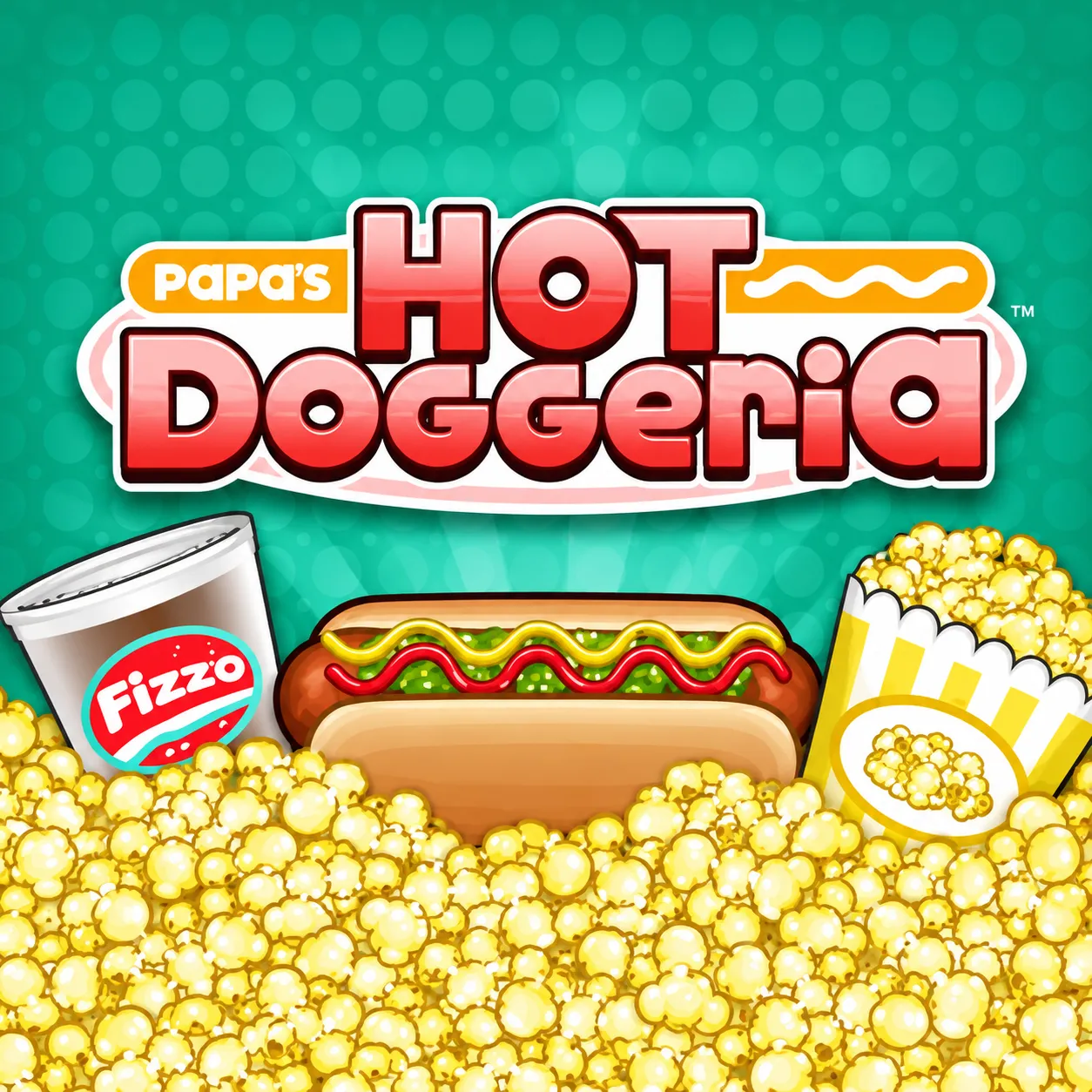
Run a stadium hot-dog shop across Order, Grill, Build and Pop stations. Customers judge both cooking timing and the exact topping sequence. The stadium rush pushes you to run multiple stations efficiently without mixing up each customer's order.
How to Play Papa's Hot Doggeria
1. Record each ticket before leaving the order counter.
2. Select station / add ingredients with Left-click; drag toppings with Mouse drag.
3. Four stations split the work between taking orders, cooking, building toppings and preparing drinks.
4. Complete every customer's ticket accurately through all four restaurant stations.
Controls
| Action | Desktop | Mobile |
|---|---|---|
| Select station / add ingredients | Left-click | — |
| Drag toppings | Mouse drag | — |
Papa's Hot Doggeria Tips & Tricks
- Use grill alarms to avoid burned sausages while assembling other orders.
- Decorating one hot dog too slowly can overcook the next sausage.
- Prepare the next order while the first sausage cooks, but return to the grill before it overcooks.
Frequently Asked Questions
What are you trying to achieve in Papa's Hot Doggeria?
You aim to run a stadium hot-dog shop across Order, Grill, Build and Pop stations.
What are the four work stations?
Order, Grill, Build and Pop are the named stages of each hot-dog order.
How should I begin without wasting an attempt?
Record each ticket before leaving the order counter.
What's the most useful tactical adjustment in Papa's Hot Doggeria?
Use grill alarms to avoid burned sausages while assembling other orders.
What should I stop doing in Papa's Hot Doggeria?
Decorating one hot dog too slowly can overcook the next sausage.
What input do I use to get started?
Desktop: select station / add ingredients: Left-click; drag toppings: Mouse drag.
What else makes progression more efficient?
Prepare the next order while the first sausage cooks, but return to the grill before it overcooks.