





















About Penalty Shooter 2
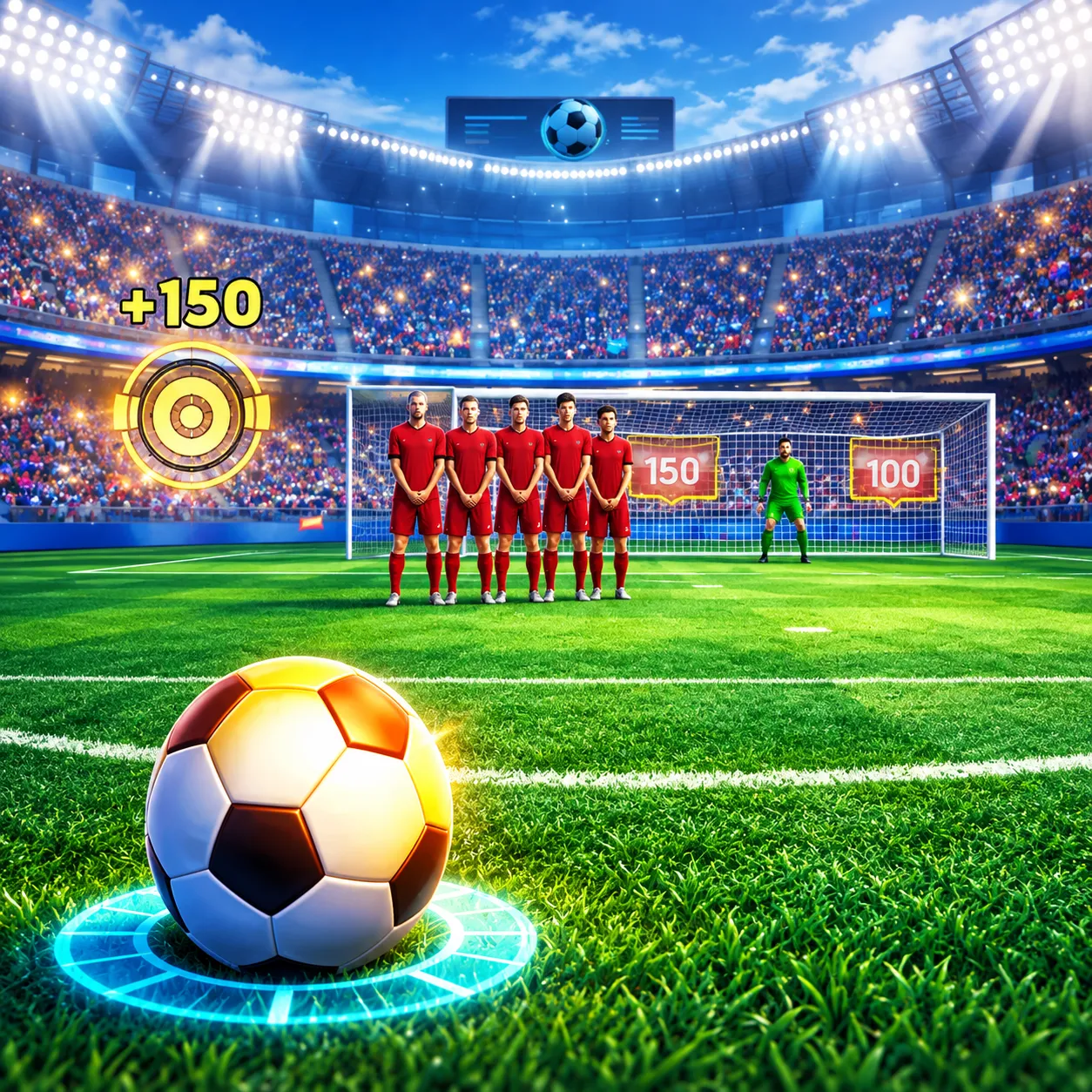
Win a penalty shootout by alternating between kicker and goalkeeper. Shot placement and reading the opponent's choice matter on both sides. The rhythm alternates between making a shot and predicting one, so the best action changes every turn.
How to Play Penalty Shooter 2
1. Aim away from the keeper's likely diving path.
2. Aim / kick with Mouse click or drag; dive with Mouse click.
3. Turns switch between taking a penalty and guessing where to dive as goalkeeper.
4. Convert your kicks and make saves to win the penalty contest.
Controls
| Action | Desktop | Mobile |
|---|---|---|
| Aim / kick | Mouse click or drag | — |
| Dive | Mouse click | — |
Penalty Shooter 2 Tips & Tricks
- Watch the approach and commit to one save direction confidently.
- Always choosing the same corner makes your attacks predictable.
- Vary your kick placement across attempts so the goalkeeper cannot read an obvious routine.
Frequently Asked Questions
What is the main challenge in Penalty Shooter 2?
You aim to win a penalty shootout by alternating between kicker and goalkeeper.
Do I play as both shooter and goalkeeper?
Yes. The game includes alternating between kicking and saving penalties.
How can a beginner get through the opening of Penalty Shooter 2?
Aim away from the keeper's likely diving path.
How can I handle the tricky part of Penalty Shooter 2?
Watch the approach and commit to one save direction confidently.
What's the main trap to watch for?
Always choosing the same corner makes your attacks predictable.
What are the desktop controls in Penalty Shooter 2?
Desktop: aim / kick: Mouse click or drag; dive: Mouse click.
What could improve the next attempt?
Vary your kick placement across attempts so the goalkeeper cannot read an obvious routine.