


















About Rocket Clash 3D
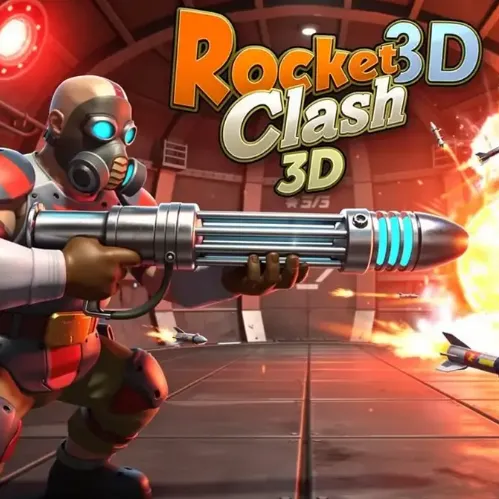
Help a resistance squad win a retro-futuristic arena firefight. Underground routes, a powerful hidden weapon and quick team cover can swing a match. A team that secures useful corridors can make the central weapon far easier to claim and defend.
How to Play Rocket Clash 3D
1. Use cover to advance through the middle rather than charging at enemy spawn.
2. Move with WASD; shoot with Left-click.
3. The resistance fights in an underground sci-fi base with a powerful explosive weapon hidden near the center.
4. Help your team outscore the robot defenders before the match timer runs out.
Controls
| Action | Desktop | Mobile |
|---|---|---|
| Move | WASD | — |
| Shoot | Left-click | — |
| Aim | Right-click | — |
| Jump | Space | — |
| Crouch | C | — |
Rocket Clash 3D Tips & Tricks
- Search the central room for the heavy explosive weapon.
- Moving alone through a narrow tunnel gives opponents an easy crossfire.
- Approach the central heavy-weapon room with cover rather than running straight through enemy fire.
Frequently Asked Questions
How do you clear a run in Rocket Clash 3D?
You aim to help a resistance squad win a retro-futuristic arena firefight.
Is there a stronger weapon hidden on the map?
The arena contains a central room containing a heavy explosive launcher.
What is an easy mistake to avoid at the start?
Use cover to advance through the middle rather than charging at enemy spawn.
How can I improve my next attempt?
Search the central room for the heavy explosive weapon.
What causes the most avoidable failures?
Moving alone through a narrow tunnel gives opponents an easy crossfire.
Where can I find the key actions?
Desktop: move: WASD; shoot: Left-click; aim: Right-click.
What should I consider before the next attack?
Approach the central heavy-weapon room with cover rather than running straight through enemy fire.