

















About Run 2
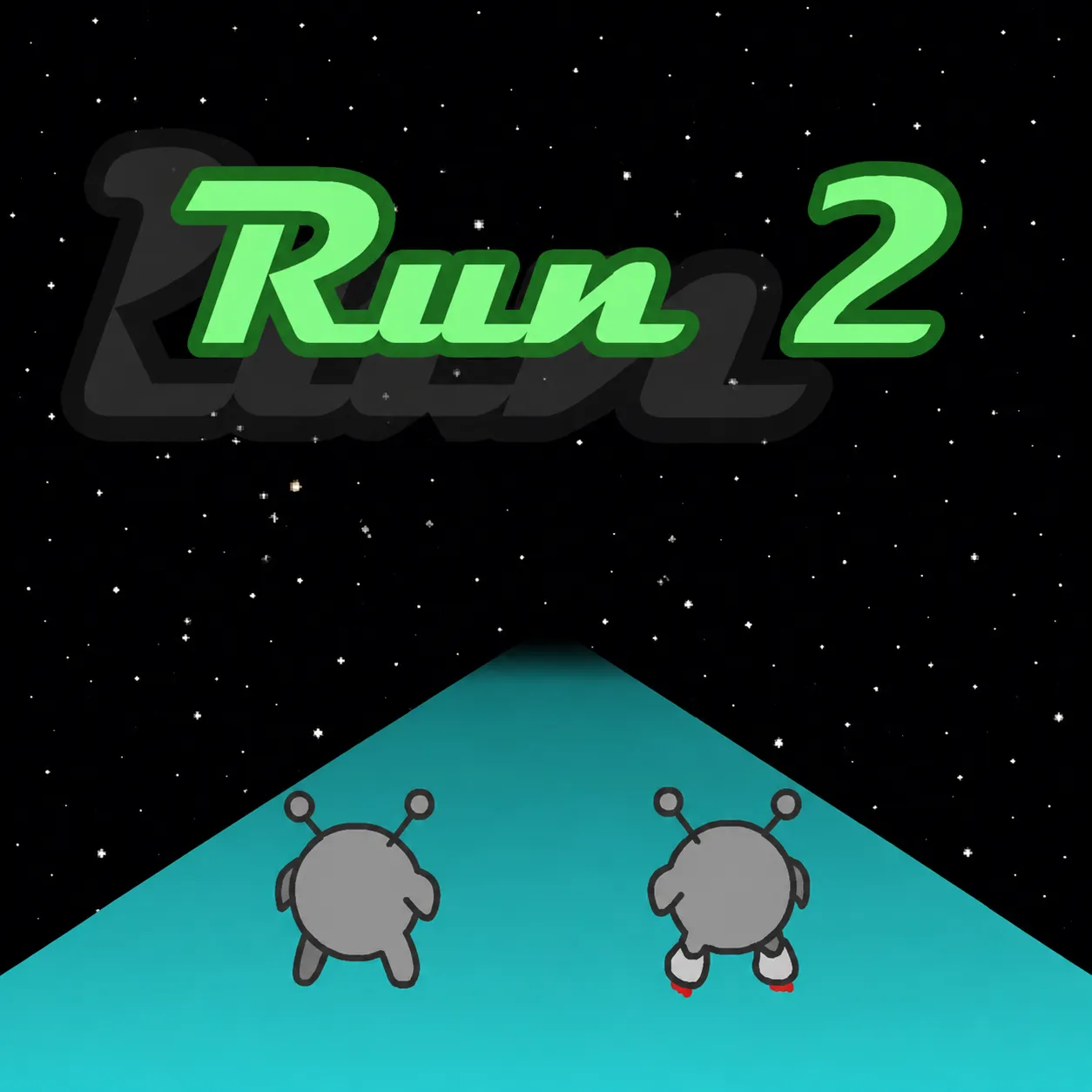
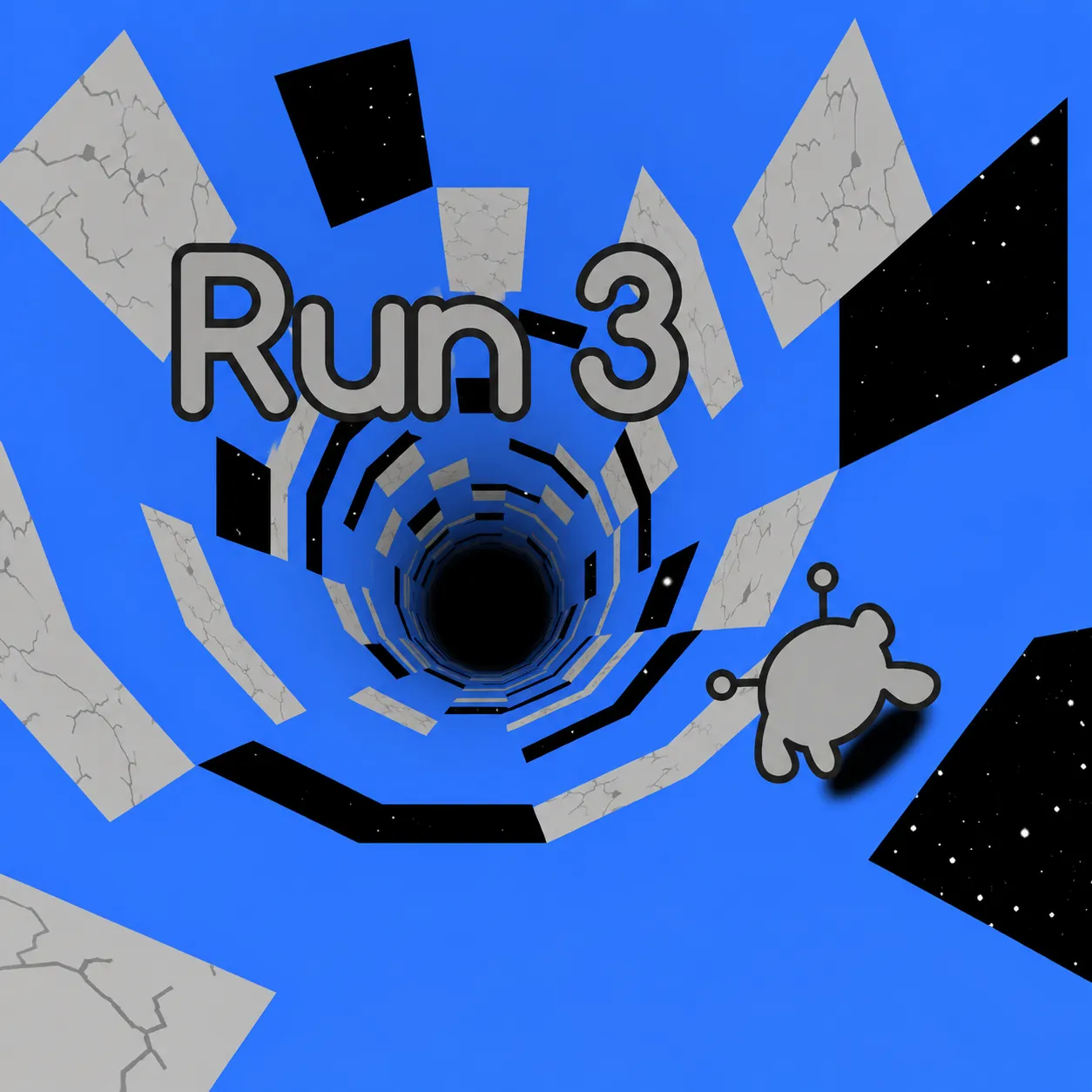
Run through rotating low-gravity tunnels as Runner or faster Skater. Leaning onto a wall reorients the tunnel and turns that wall into a path. The gravity-changing tunnel rewards choosing the right character and the right wall route together.
How to Play Run 2
1. Choose the Runner for accurate gaps, the Skater for speed on safer straights.
2. Move with Left/Right arrows; jump with Space or Up.
3. Runner and Skater differ in pace and control, which changes how narrow tile gaps feel.
4. Reach the next safe section by rotating through the tunnel walls and gaps.
Controls
| Action | Desktop | Mobile |
|---|---|---|
| Move | Left/Right arrows | — |
| Jump | Space or Up | — |
Run 2 Tips & Tricks
- Turn gravity before approaching a broken floor section.
- Switching onto a wall too late leaves no time to land.
- Switch from Skater to Runner when small gaps demand accurate landing rather than maximum pace.
Frequently Asked Questions
What are you trying to achieve in Run 2?
You aim to run through rotating low-gravity tunnels as Runner or faster Skater.
Which character is easier for small gaps?
Runner is generally the better choice when precision matters more than maximum speed.
How should I begin without wasting an attempt?
Choose the Runner for accurate gaps, the Skater for speed on safer straights.
What's the most useful tactical adjustment in Run 2?
Turn gravity before approaching a broken floor section.
What should I stop doing in Run 2?
Switching onto a wall too late leaves no time to land.
What input do I use to get started?
Desktop: move: Left/Right arrows; jump: Space or Up.
What else helps with a hard jump?
Switch from Skater to Runner when small gaps demand accurate landing rather than maximum pace.