
















About Save The Dodge
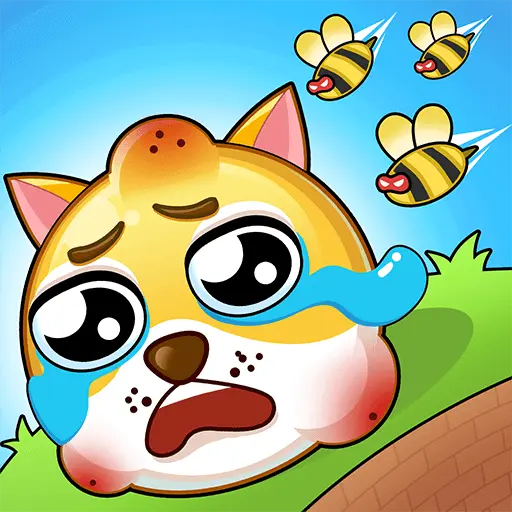
Draw a protective barrier around a character before bees begin attacking. A short drawn line can become a stable shield if it anchors to terrain. A little geometry matters here: a smaller line attached to a wall can be stronger than a bigger unsupported shape.
How to Play Save The Dodge
1. Use rocks and fixed walls as part of the boundary.
2. Draw barrier with Hold and drag left-click.
3. The barrier must resist bees for a short countdown; connecting it to terrain makes it harder to dislodge.
4. Keep the protected character untouched until the bee-attack countdown ends.
Controls
| Action | Desktop | Mobile |
|---|---|---|
| Draw barrier | Hold and drag left-click | — |
Save The Dodge Tips & Tricks
- Keep the line compact and let solid scenery do part of the protecting.
- A floating unsupported loop can be pushed aside by the swarm.
- Draw a short roof connected to terrain rather than a huge unsupported bubble around the dog.
Frequently Asked Questions
What should I be working toward in Save The Dodge?
You aim to draw a protective barrier around a character before bees begin attacking.
How long must the protective line hold?
The game describe a five-second bee attack phase.
What should I do first in Save The Dodge?
Use rocks and fixed walls as part of the boundary.
What's a useful advanced move in Save The Dodge?
Keep the line compact and let solid scenery do part of the protecting.
How can I avoid a repeated restart?
A floating unsupported loop can be pushed aside by the swarm.
How do I perform the basic moves?
Desktop: draw barrier: Hold and drag left-click.
What other move could solve a stuck level?
Draw a short roof connected to terrain rather than a huge unsupported bubble around the dog.