

















About Maze Planet 3D
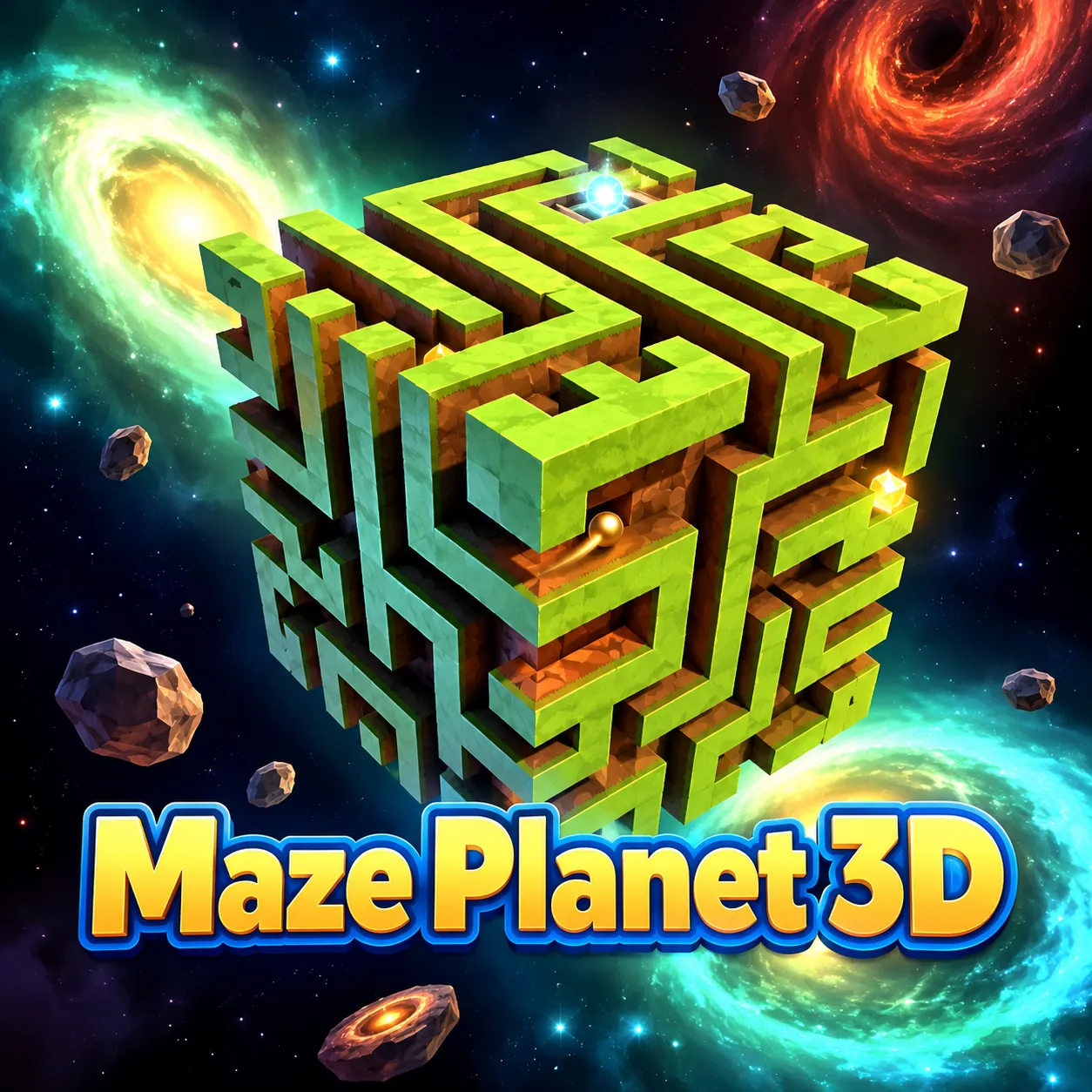
Roll a small ball through a maze wrapped around a rotating 3D planet. Changing the globe's orientation reveals passages invisible from one view. The sphere hides parts of the path until you rotate it, turning a simple maze into a problem of spatial memory.
How to Play Maze Planet 3D
1. Rotate the world slowly before entering a confusing junction.
2. Rotate globe with Mouse drag or WASD / arrows; zoom with Mouse wheel.
3. The path wraps around a rotating spherical world, hiding turns behind curved geometry.
4. Navigate the ball around the planet's maze until it reaches the glowing endpoint.
Controls
| Action | Desktop | Mobile |
|---|---|---|
| Rotate globe | Mouse drag or WASD / arrows | — |
| Zoom | Mouse wheel | — |
Maze Planet 3D Tips & Tricks
- Zoom in at narrow passages to separate overlapping wall edges.
- Moving before checking the hidden side of a turn leads to dead ends.
- Before rotating again, memorize the last junction to avoid retracing the wrong hemisphere.
Frequently Asked Questions
What should I be working toward in Maze Planet 3D?
You aim to roll a small ball through a maze wrapped around a rotating 3D planet.
Why can't I see the whole maze at once?
Its passages wrap around the far side of the planet; rotate the view to inspect them.
What should I do first in Maze Planet 3D?
Rotate the world slowly before entering a confusing junction.
What's a useful advanced move in Maze Planet 3D?
Zoom in at narrow passages to separate overlapping wall edges.
How can I avoid a repeated restart?
Moving before checking the hidden side of a turn leads to dead ends.
How do I perform the basic moves?
Desktop: rotate globe: Mouse drag or WASD / arrows; zoom: Mouse wheel.
What other move could solve a stuck level?
Before rotating again, memorize the last junction to avoid retracing the wrong hemisphere.