


















About Time Shooter
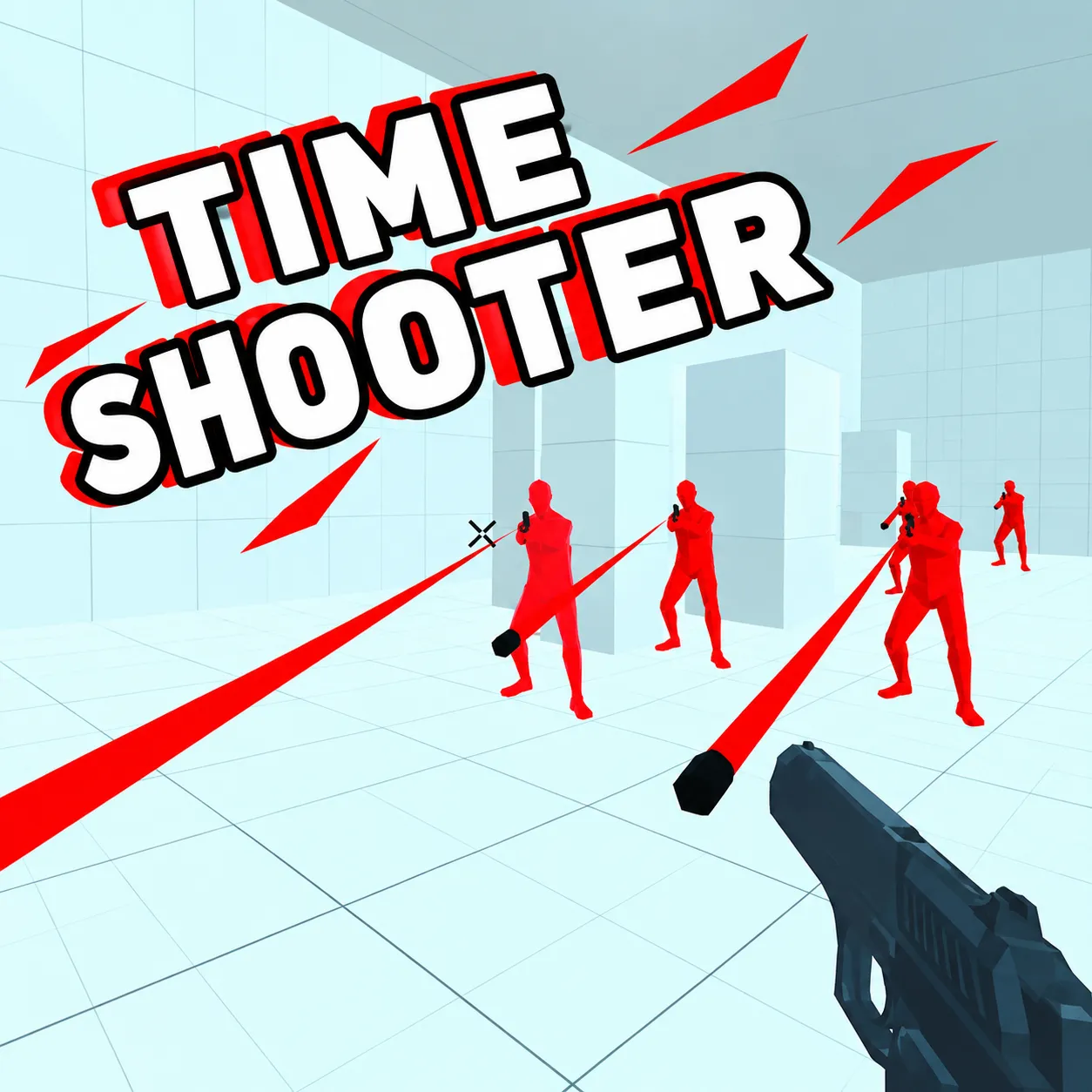
Solve first-person gunfights in which time advances mainly when you move. Standing still lets you inspect bullet paths and choose an escape. The apparent stillness gives you time to inspect danger, but every decision to move activates the whole fight again.
How to Play Time Shooter
1. Pause movement to assess the closest incoming round.
2. Move / advance time with WASD; look with Mouse.
3. The red enemies and their projectiles nearly freeze when you stand still, creating a tactical pause.
4. Remove the enemies in the room without stepping into an unavoidable bullet path.
Controls
| Action | Desktop | Mobile |
|---|---|---|
| Move / advance time | WASD | — |
| Look | Mouse | — |
| Shoot / throw | Left-click | — |
| Pick up | Right-click | — |
Time Shooter Tips & Tricks
- Pick up a weapon only after checking the next enemy's angle.
- Running through a room turns slow tactical shots into a firefight.
- Study where the nearest projectile will be after one step, not where it sits while time is paused.
Frequently Asked Questions
What is the main challenge in Time Shooter?
You aim to solve first-person gunfights in which time advances mainly when you move.
Does time stop completely when I stop walking?
It effectively slows enough for planning; moving again advances enemy attacks.
How can a beginner get through the opening of Time Shooter?
Pause movement to assess the closest incoming round.
How can I handle the tricky part of Time Shooter?
Pick up a weapon only after checking the next enemy's angle.
What's the main trap to watch for?
Running through a room turns slow tactical shots into a firefight.
What are the desktop controls in Time Shooter?
Desktop: move / advance time: WASD; look: Mouse; shoot / throw: Left-click.
What should I consider before the next attack?
Study where the nearest projectile will be after one step, not where it sits while time is paused.