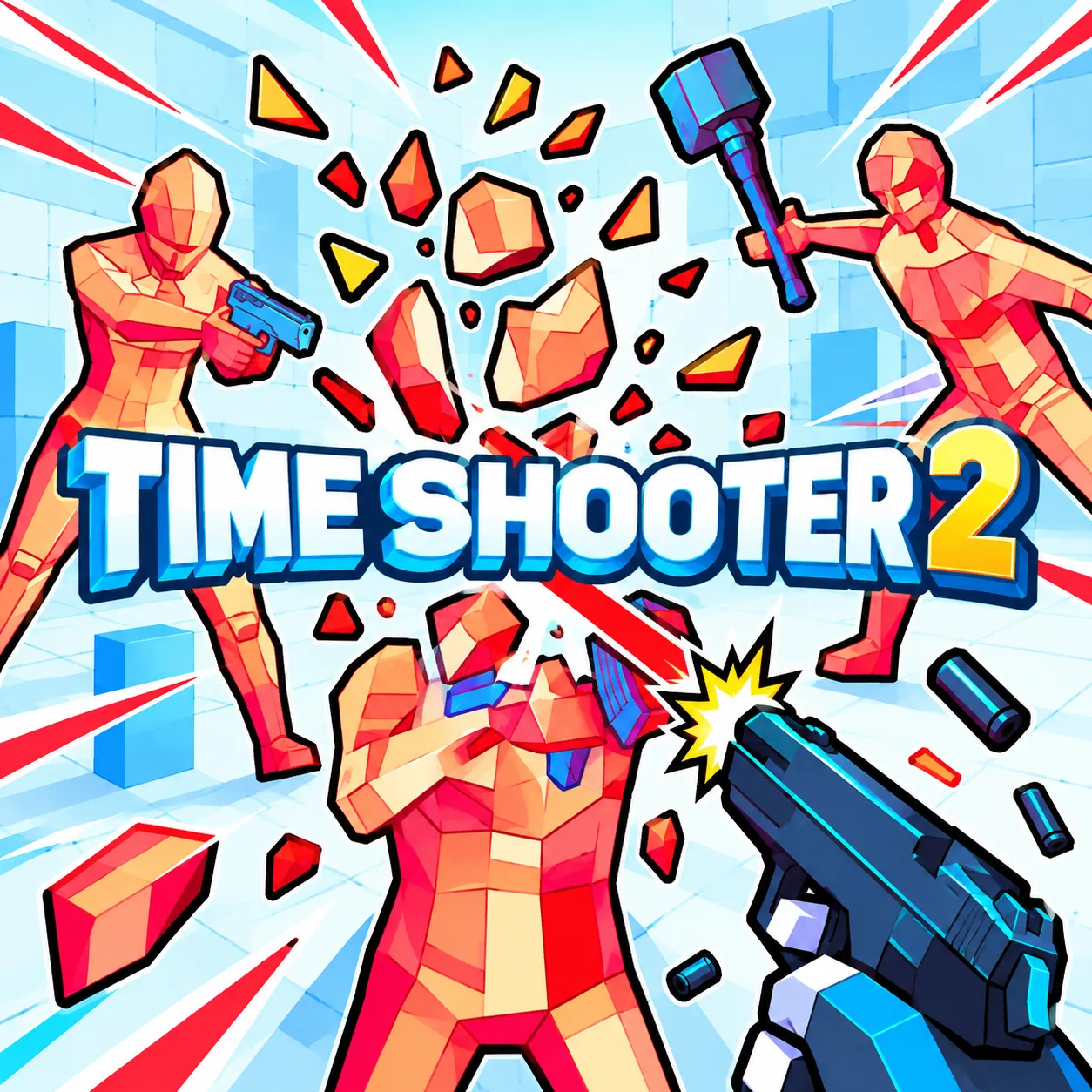

















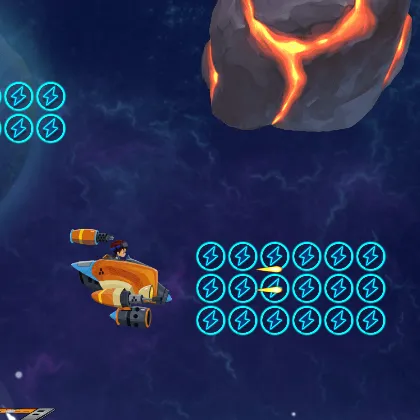


About Time Shooter 2
Clear crystal-enemy rooms using the time-moves-when-you-move rule. Enemy shots can be studied almost frozen before a deliberate sidestep. Choosing the next weapon and deciding when to cross an exposed area are connected parts of the same puzzle.
How to Play Time Shooter 2
1. Stop and assess a crowded doorway before firing.
2. Move / advance time with WASD; look with Mouse.
3. Dropped guns, melee weapons and enemy crossfire provide options beyond shooting straight ahead.
4. Clear every hostile target from the room using a safe path through incoming shots.
Controls
| Action | Desktop | Mobile |
|---|---|---|
| Move / advance time | WASD | — |
| Look | Mouse | — |
| Fire / throw | Left-click | — |
| Pick up | Right-click | — |
Time Shooter 2 Tips & Tricks
- Position enemies in each other's firing lanes, then exploit dropped weapons.
- Rushing to grab a gun while exposed advances every incoming projectile.
- Use a nearby object as a thrown distraction when you need to reach a dropped weapon safely.
Frequently Asked Questions
What is the main challenge in Time Shooter 2?
You aim to clear crystal-enemy rooms using the time-moves-when-you-move rule.
Can I use enemies' weapons?
Yes. Picking up a dropped weapon is part of the tactical room-clearing loop.
How can a beginner get through the opening of Time Shooter 2?
Stop and assess a crowded doorway before firing.
How can I handle the tricky part of Time Shooter 2?
Position enemies in each other's firing lanes, then exploit dropped weapons.
What's the main trap to watch for?
Rushing to grab a gun while exposed advances every incoming projectile.
What are the desktop controls in Time Shooter 2?
Desktop: move / advance time: WASD; look: Mouse; fire / throw: Left-click.
What should I consider before the next attack?
Use a nearby object as a thrown distraction when you need to reach a dropped weapon safely.