

















About Zombie Shooter 2D
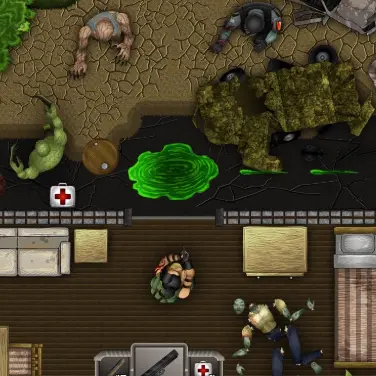
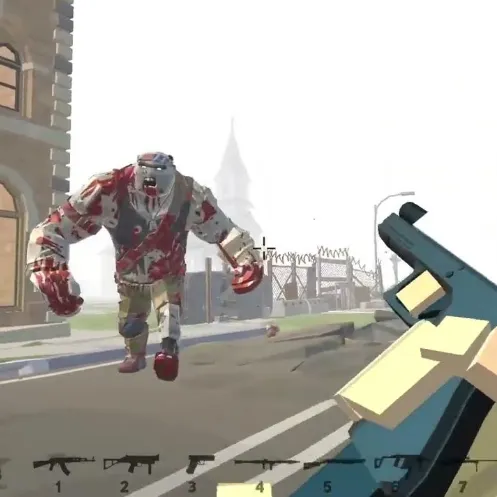
Clear zombie-filled 2D stages with carefully aimed shots. Walls, angles and limited opportunities reward ricochets or line-of-sight shots. Simple-looking cover can hide a useful rebound angle that changes a one-target shot into a solution.
How to Play Zombie Shooter 2D
1. Find a shot that reaches more than one target when possible.
2. Aim with Mouse movement; shoot with Left-click.
3. Bullets can be used at angles against enemies standing behind simple obstacles.
4. Clear the stage of zombies using a route or rebound angle that reaches them.
Controls
| Action | Desktop | Mobile |
|---|---|---|
| Aim | Mouse movement | — |
| Shoot | Left-click | — |
Zombie Shooter 2D Tips & Tricks
- Check whether an obstacle can redirect a projectile toward a hidden zombie.
- Firing directly into solid cover wastes useful ammunition.
- Aim at hard surfaces to test a ricochet if a zombie is sheltered behind cover.
Frequently Asked Questions
How does a successful attempt in Zombie Shooter 2D work?
You aim to clear zombie-filled 2D stages with carefully aimed shots.
Can I hit a zombie behind cover?
Search for an available angle or ricochet path instead of firing at the obstruction directly.
Where should I focus at the start of Zombie Shooter 2D?
Find a shot that reaches more than one target when possible.
What can I do when the usual approach stops working?
Check whether an obstacle can redirect a projectile toward a hidden zombie.
Why do I keep failing in Zombie Shooter 2D?
Firing directly into solid cover wastes useful ammunition.
How do you steer or interact in Zombie Shooter 2D?
Desktop: aim: Mouse movement; shoot: Left-click.
What should I consider before the next attack?
Aim at hard surfaces to test a ricochet if a zombie is sheltered behind cover.